Settings
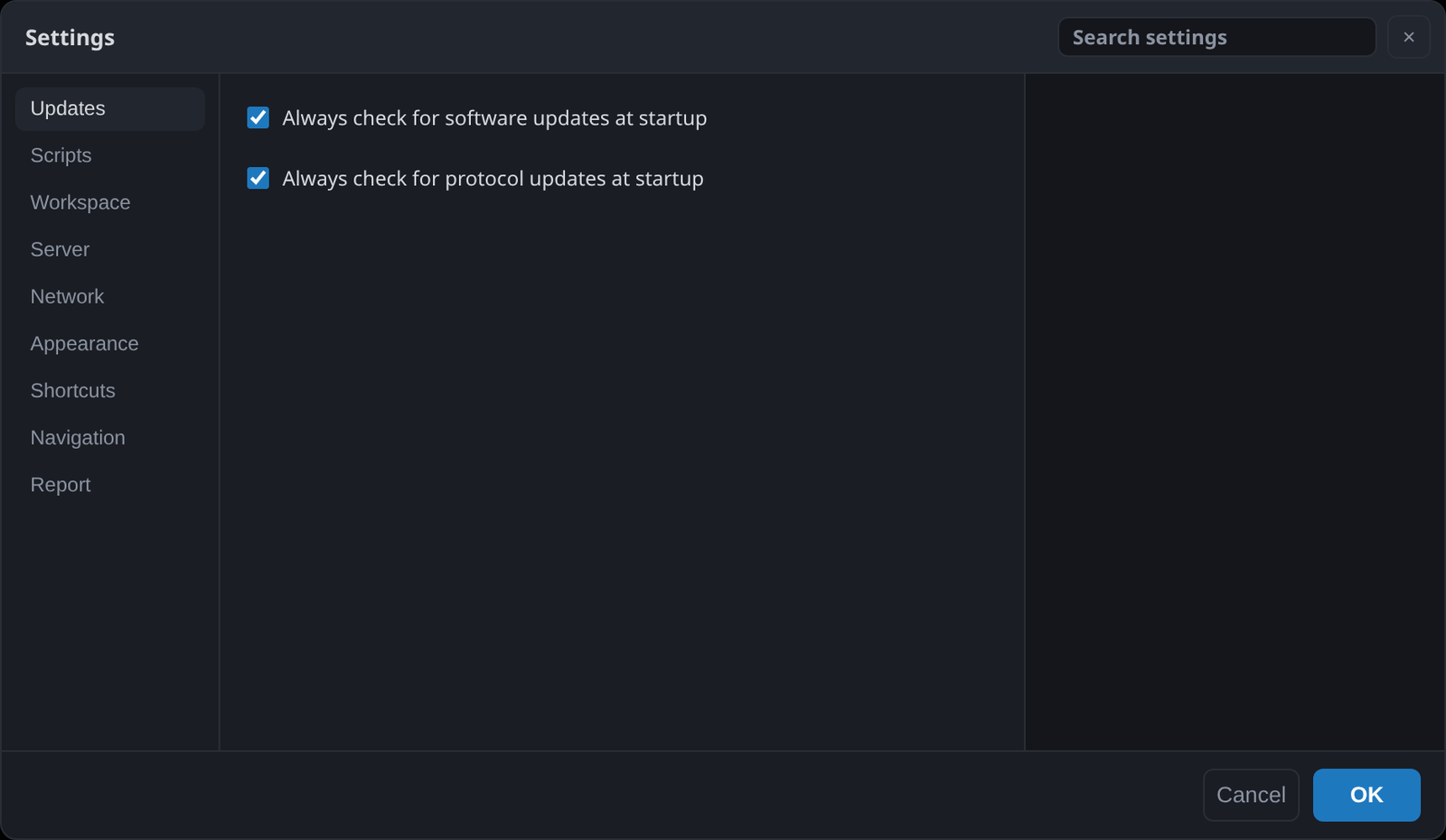
The settings are opened from the gear in the top right corner. They are searchable: type what you are looking for and the matching options appear, each with the tab it is in. You do not have to guess which category an option was filed under.
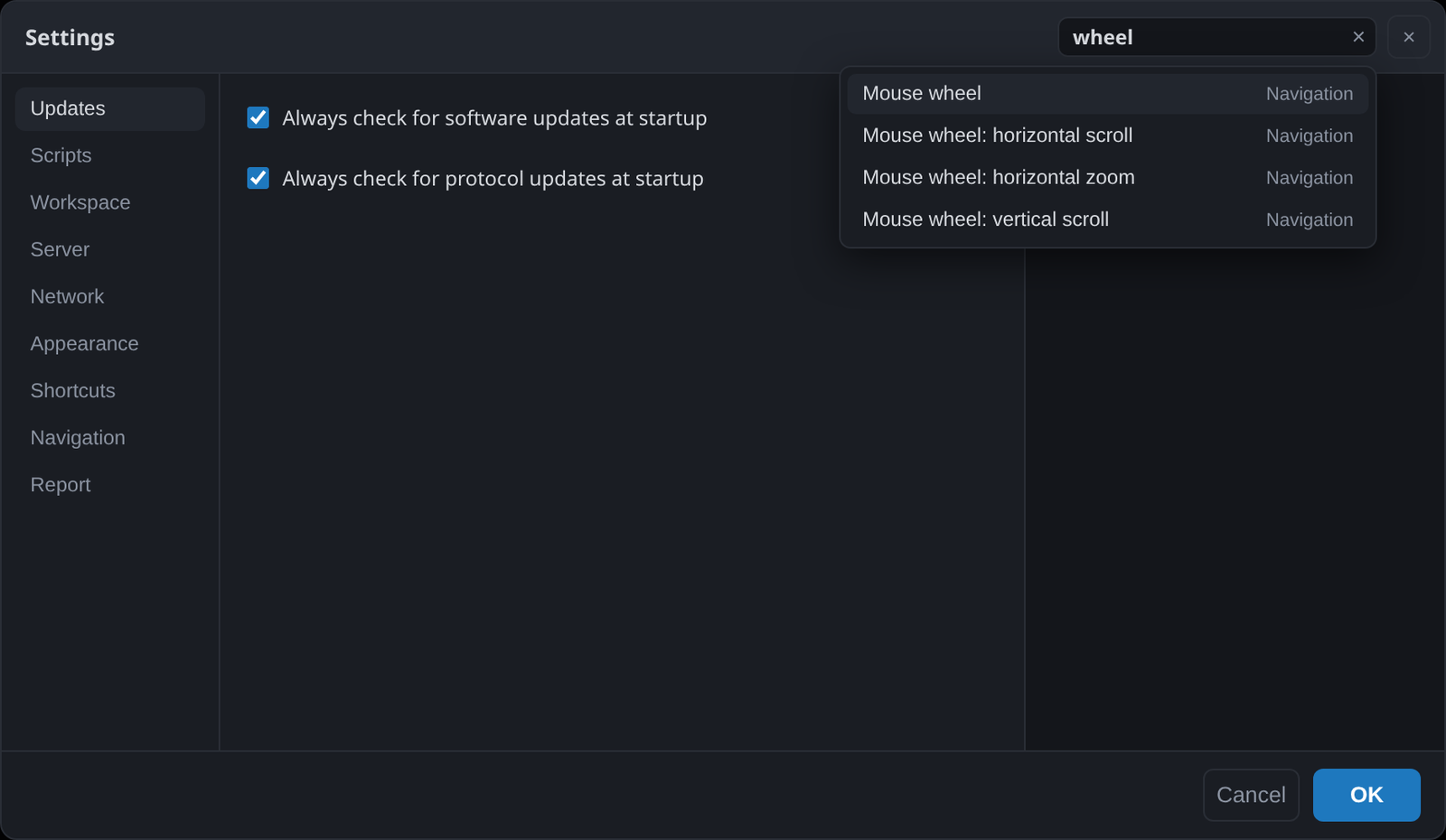
Every option also explains itself in place, so what follows is a map rather than a list of definitions.
Updates
Whether to check for new versions of the application, and for new protocol scripts, at start-up. The two are separate. See Updates, crash reports and support.
Scripts
Where the script library is kept, and which editor a script opens in. ScanaStudio uses VS Code by default when it is installed, and any other editor can be set instead.
Workspace
Autosaving changed workspaces in the background: whether to do it, how often, the folder to write to, and the size above which a workspace is skipped so a very large capture does not stall the save. Also whether moving the view counts as a change worth saving, which decides when the tab shows as modified.
Server
The port the server on this computer listens on, and the list of servers on other machines, including whether to look for them at start-up. See How ScanaStudio works.
Network
Proxy host, port and credentials, for the update and script-catalogue checks on a network that requires one.
Appearance
The theme, the accent colours, and how the waveform is drawn: filled display tints the area under a high level, which makes a dense signal easier to read, and edge-to-edge durations on hover shows the time between two edges as the pointer passes over them, without placing markers.
Shortcuts
Every keyboard shortcut, and what it is bound to. Click one and press the combination you want. A combination already in use is reported rather than silently stolen. The defaults are listed in Navigating a capture.
Navigation
How the mouse and the view behave:
- Mouse wheel: which of horizontal zoom, horizontal scroll and vertical scroll the wheel does, and the modifier for each. All three need different modifiers; if two collide, zoom wins over vertical scroll, which wins over horizontal scroll.
- Miniview instead of the scrollbar: a compressed picture of the whole acquisition with your position marked on it.
- Rubber band at capture ends: the view springs back when you pan past either end.
- Jump to the beginning at start: where the view goes when a capture begins.
- Double-click on an item: what double-clicking a decoded item does.
Report
Crash reporting: whether ScanaStudio mentions a crash at the next start-up, and the actions for copying or sending a report. Nothing is sent without you seeing it first. See Updates, crash reports and support.